Hoppscotch
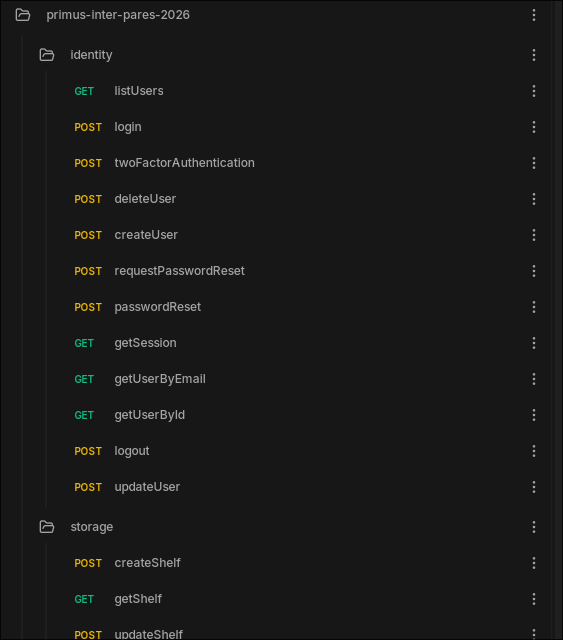
While downloading dependencies you might've noticed the hoppscotch.json file in the root of our repository. This file contains definitions for all API endpoints, allowing you to easily send requests to it. It comes in handy when you're working on a new backend feature that doesn't have a frontend yet.
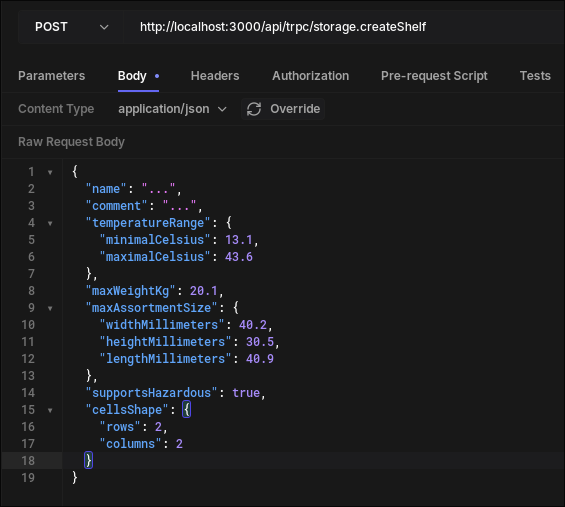
To begin using it you should download Hoppscotch (well, duh) and use the "Import / Export" button on the rightmost side of the UI. From then on you'll be able to use all the predefined requests:
Authentication
Our API expects authentication tokens to be defined via a cookie with a name of $AUTHENTICATION_COOKIE_NAME. By default that environment variable is set to: development-authentication-cookie. If you'd want to use Hoppscotch to access endpoints requiring authentication, please follow below steps.
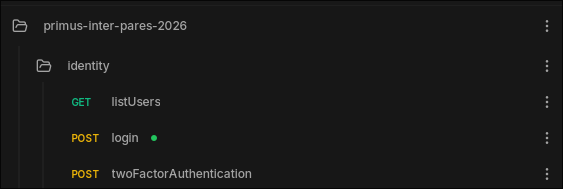
Assuming that you have already created an user, as instruced in the previous page, you should navigate to the identity.login request:
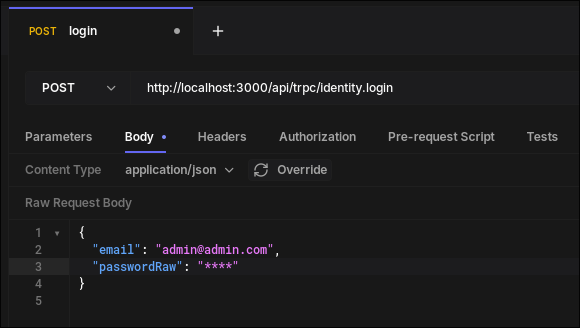
Fill out the data you've previously entered, and press "Send". You'll get a response like this:

This authenticationToken should then later be used in your headers when sending requests. We can configure Hoppscotch to do that by:
- Right-clicking the "swm" folder in your tree.
- Selecting "properties".
- Adding a new header with those fields:
- Key:
Cookie, - Value:
development-authentication-cookie=<your_authentication_token>
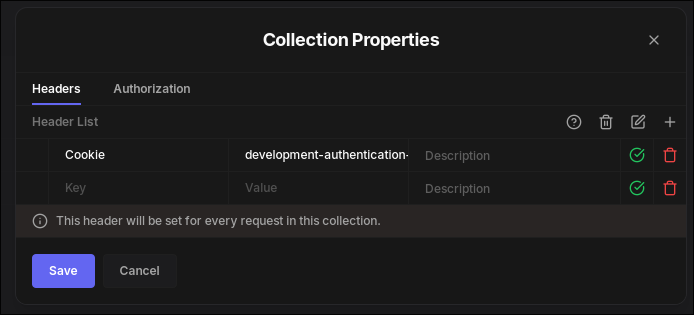
Now whichever request you use, your authentication token will be present.