Adding your first user
To fully use the website, you'll need an admin user. You can easily add one via database UI. Visit localhost:3001, and navigate to the users table > "New item". You'll see something like this:
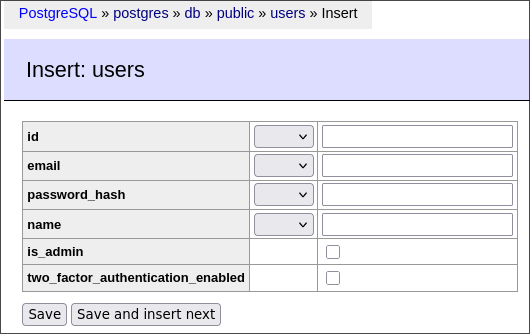
Tick is_admin and enter arbitrary values into name and email (albeit email needs to be a valid email address). Then enter a random UUID into uuid (for example be652059-06a8-4eb7-ad4b-87cb1bd2b258) and your password's hash into password_hash. It can be quickly generated here. We're using 12 salting rounds. At the end you should have something like this:
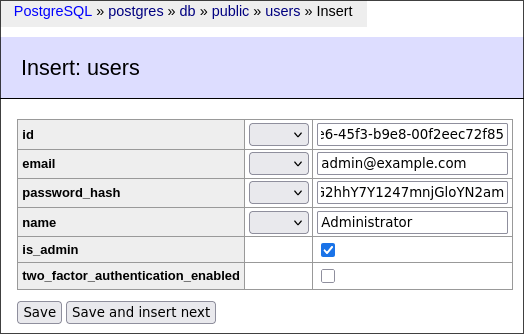
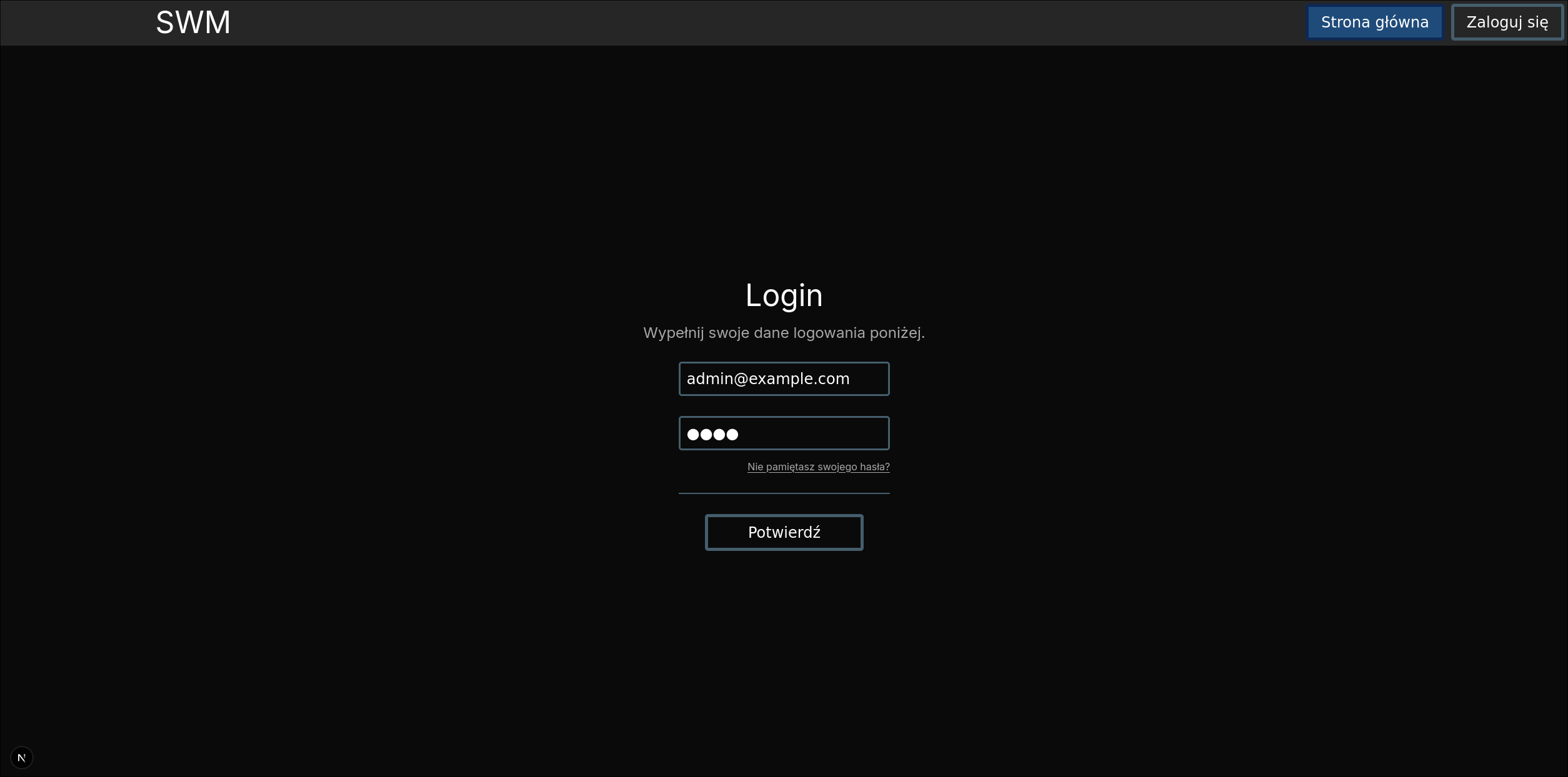
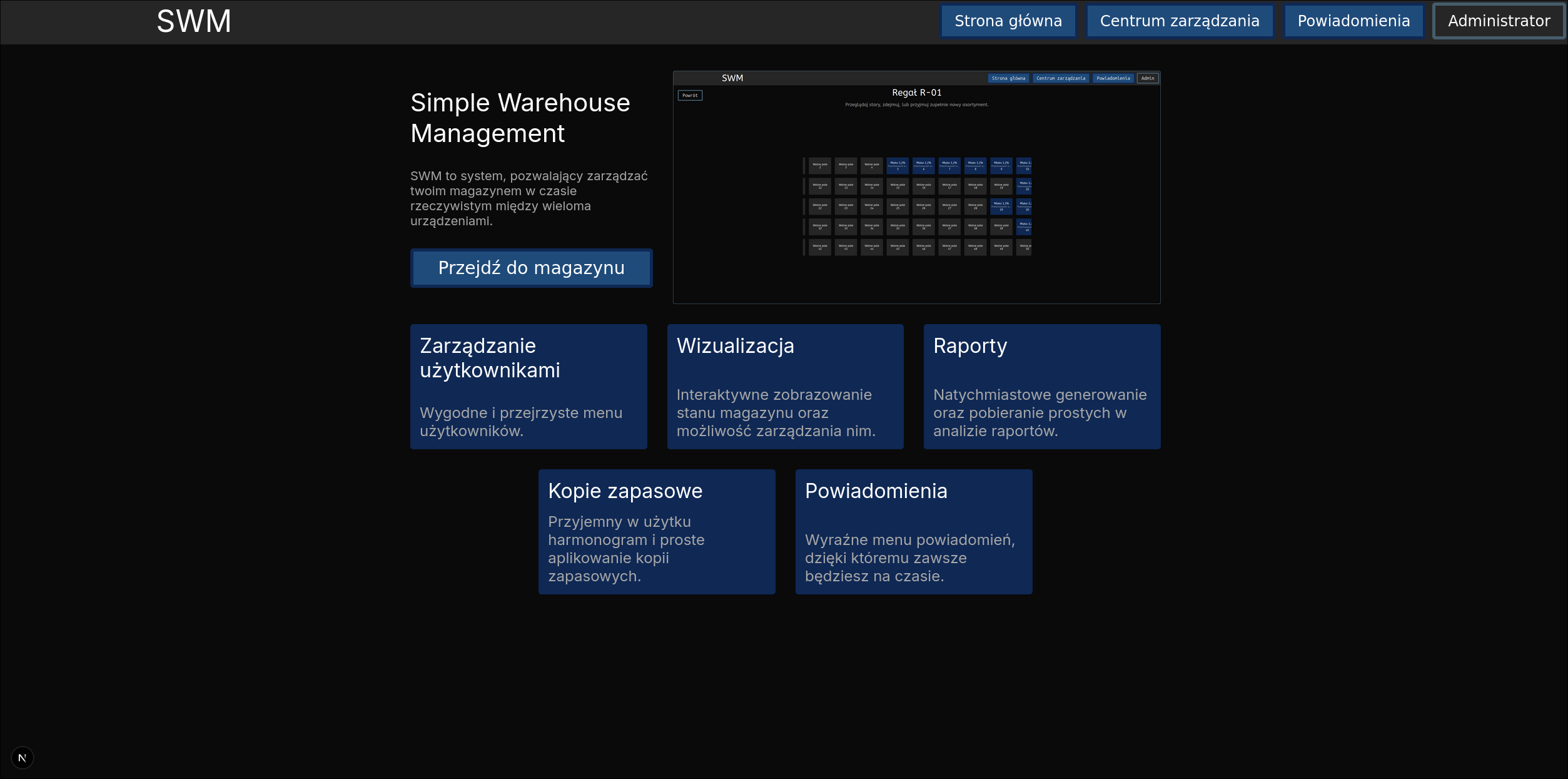
Press "Save" and head over to localhost:3000/login. You should now be able to login and access the whole site: